Resources
Using AI to Link Disparate Systems
How AI connects CRM, ticketing, knowledge bases, and sales tools, and why that matters for businesses.
Resources
How AI connects CRM, ticketing, knowledge bases, and sales tools, and why that matters for businesses.
Data lives in silos. Your CRM holds deals and contacts. Your ticketing system holds support cases. Your knowledge base holds articles and FAQs. Email, spreadsheets, project tools—each in its own place. No single view.
When someone asks "What's the status of Acme Corp?" you might check three systems. When a support agent needs context on a customer, they switch between tabs. When sales wants to know which accounts have open tickets, they ask support. It's slow, error-prone, and it doesn't scale.
Natural language becomes the glue. Instead of logging into each system and running separate queries, you ask in plain English: "Show me all open deals for Acme Corp and any support tickets from the last 30 days." The AI pulls from CRM, ticketing, and (if connected) email. One question, one answer.
This isn't magic. It's AI that understands your question, maps it to the right APIs, fetches the data, and presents it in a useful way. The value is in the integration: one interface across many systems.
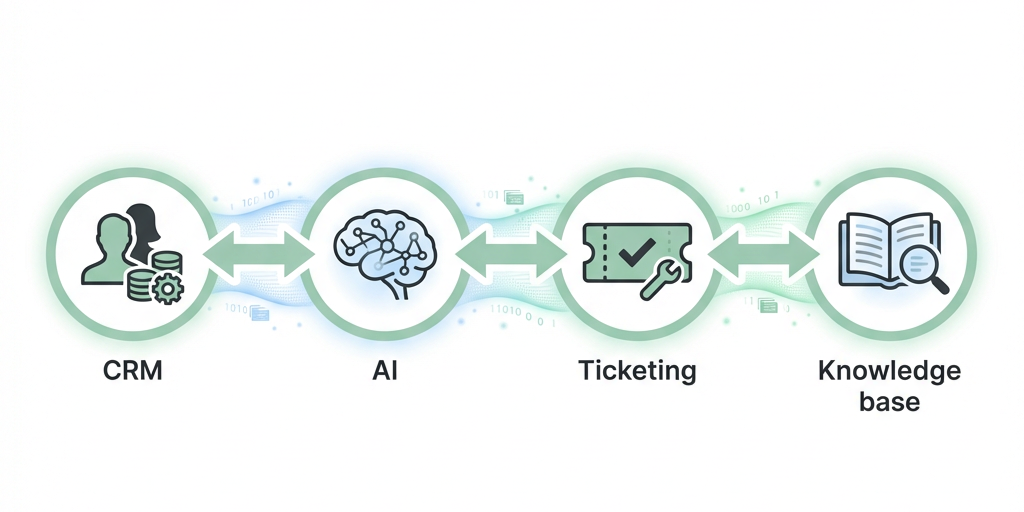
The pattern is the same: connect the systems, define the queries, and let natural language do the work of joining the dots.
Integration isn't free. You need APIs that talk to each system. You need authentication (OAuth, API keys, or service accounts) for each connection. You need to map data: how does "Account" in your CRM relate to "Customer" in your ticketing system? And you need to think about cost: every AI query consumes tokens. High-volume, cross-system lookups can add up.
There's also maintenance. APIs change. Vendors deprecate endpoints. Your integration needs to be built to evolve, or you'll be fixing it every quarter.
AI linking works best when:
If your team does a handful of cross-system lookups a week, the ROI may not justify the build. If it's dozens a day, it often does.